AI sales and enquiry assistants

Help customers explain what they need.

Scope an enquiry assistant around useful questions, appropriate consent and a clear handover to the person responsible for the next step.

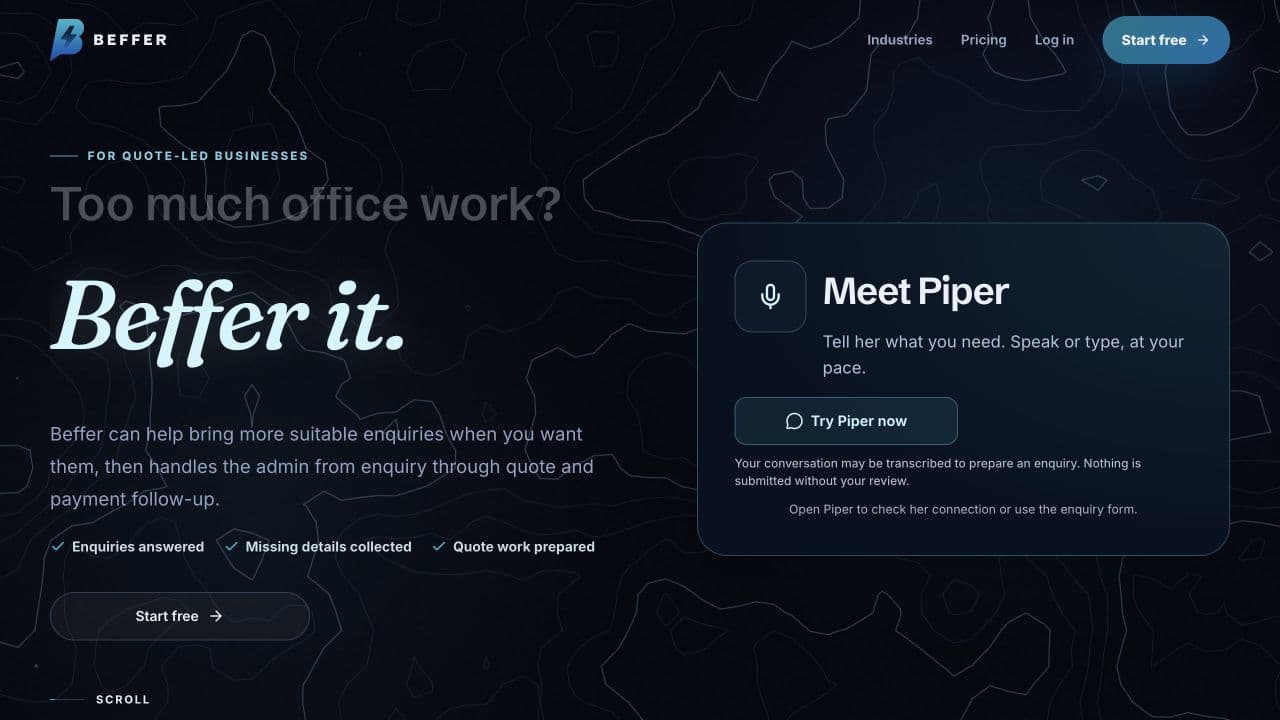
Beffer homepage showing the Piper enquiry assistant

Does this sound familiar?

Customers arrive with incomplete information and staff repeat the same early questions. A conversational interface is only useful if it captures the right context and hands it over reliably.

What changes

A clearer first conversation that helps gather the agreed details, recognises its limits and leaves your team with a useful receiving case.

A defined scope, built around your team.

Questions with a purpose

Define the information needed for a useful first response, the knowledge the assistant may use and the questions it must escalate.

A clear human handover

Connect the agreed conversation summary, customer consent and next action to the receiving workflow. Keep pricing, promises and sensitive decisions within the approved boundaries.

Qualified channels and evidence

Choose text or voice only after checking provider identity, access, data handling and test requirements. Simulated behaviour is not proof of live provider delivery.

Customer messages, live channels and commercial commitments require explicit approval. We agree the assistant's limits, human handover and launch checks before enabling it.

Relevant work, in context.

The Beffer case study provides context for an enquiry-assistant journey. Text and voice need different setup and testing; the example is not a promise that every channel is already ready for your business.

Beffer homepage showing the Piper enquiry assistant

Beffer · enquiry and quoting systems

From loose enquiry to quote-ready case.

A connected enquiry and quoting journey that keeps details, decisions and next steps together.

End to end
enquiry-to-payment lifecycle
Quote-ready
cases from loose enquiries
View the project
Discuss an enquiry assistant

Start with one journey.

We agree the responsibilities and acceptance checks before building, then review the result with the people who will use it.

  1. 1

    Define the conversation and limits

    Review typical enquiry questions, information gaps and escalation needs. Agree what the assistant must not decide or promise.

  2. 2

    Test controlled conversations

    Check normal questions, missing information, unsafe requests and handover failures before any live channel is considered.

  3. 3

    Qualify the live handover

    Review the actual receiving case, consent and channel evidence, then separately approve launch and monitoring responsibilities.

What shapes the price?

Assistant work is scoped around the conversation, channels, knowledge and receiving workflow. Provider usage, integrations and ongoing review are identified separately; no fixed assistant price is promised here.

  • Conversation scope and approved knowledge
  • Text or voice channel requirements
  • Receiving CRM and handover integration
  • Provider usage, evaluation and ongoing review
See pricing and process

Questions before you start.

Can it quote prices or commit our business?

Only within specifically approved rules and evidence. Human review remains the default for pricing, commitments and unusual requests.

Does a voice demo prove it is live?

No. Provider identity, consent, actual channel delivery and the durable receiving case need separate verification.

Will it replace our staff?

The starting point is supporting the first conversation and handover, with a clear route to a person when judgement or further information is needed.

Explore the receiving enquiry system

Tell us what you want to improve.

Share what happens today, what you would like to change and any tools or deadlines we should know about. We will review the fit and agree a sensible scope before any work starts.

No obligation to replace your tools. No automatic commitment to an audit or subscription.

Discuss an enquiry assistant

No account needed. Just the essentials to start a useful conversation.

Add company or phone (optional)